Your cameras, on your phone, on your own network.
Live RTSP camera grid, and the remote for your self-hosted imaso DVR. LAN only.
Currently on Google Play internal testing. Ask for an invite by email.
What pimaso is
pimaso is an Android viewer for RTSP cameras on your own network, and a companion for imaso — a self-hosted DVR that runs on a Raspberry Pi.
It is not a cloud camera service. There is no pimaso account, no subscription, and no server of ours between you and your cameras. Video goes straight from the phone to each camera; the DVR half is optional and runs on hardware you own.
Works on its own, with any RTSP camera
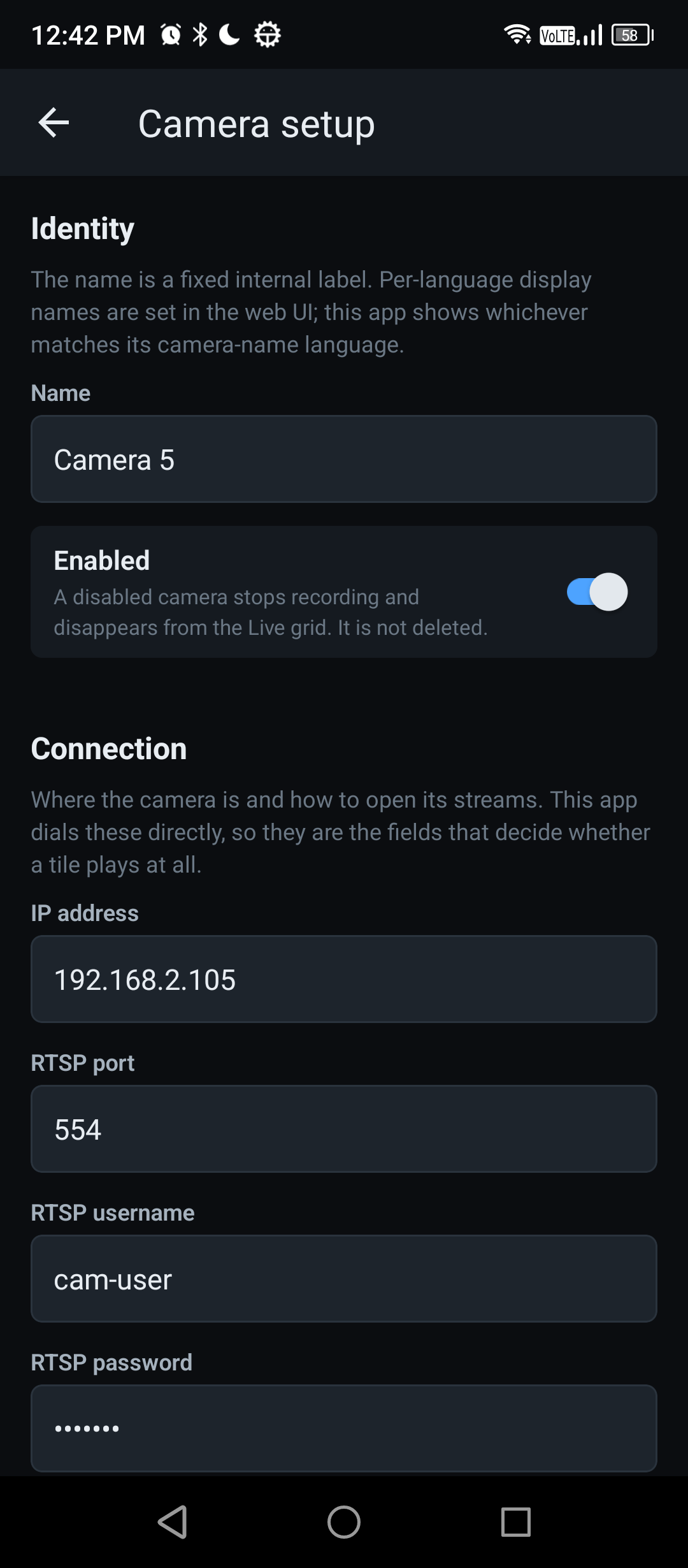
You do not need a server to use the live view. Open Settings, add a camera by hand — address, port, username, password and the two stream paths — and it appears on the grid. Nothing else has to be running.
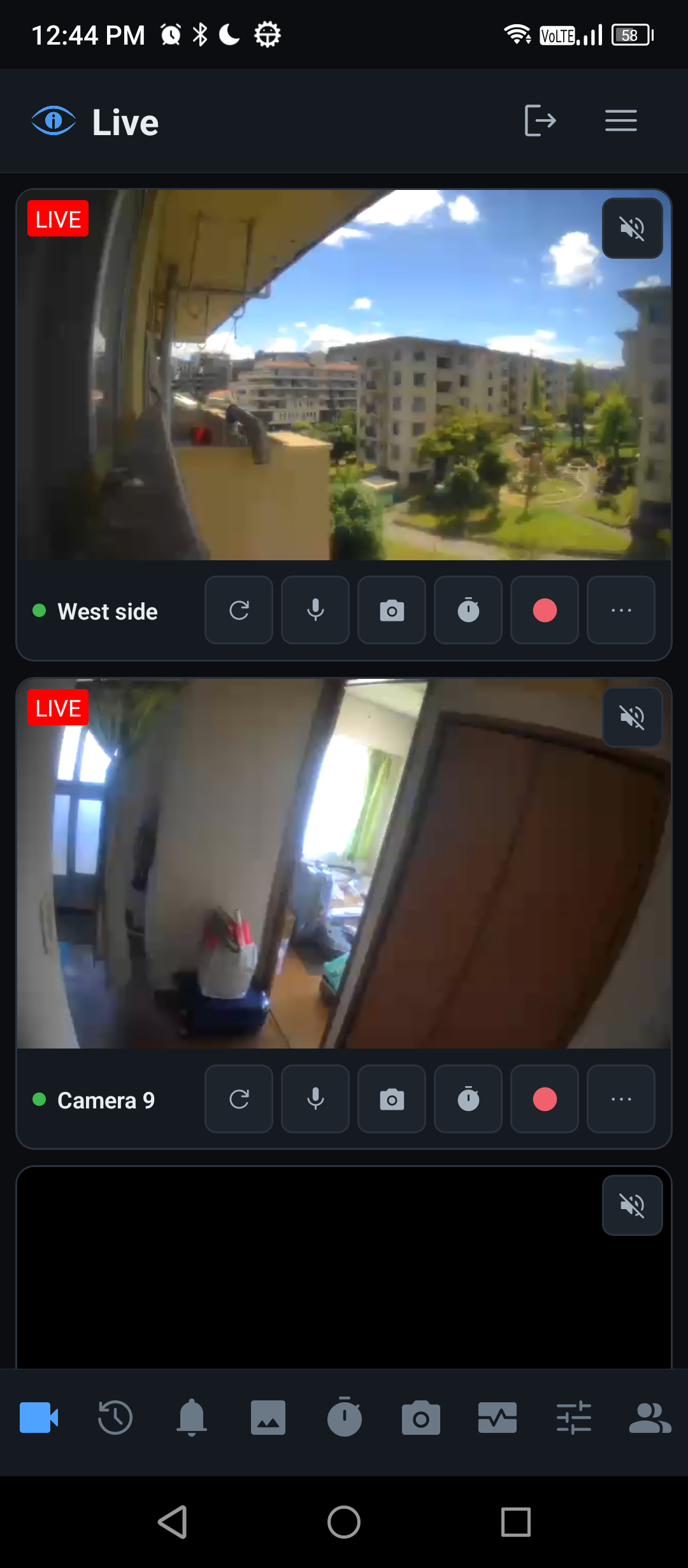
A grid of every camera
Each on its low-resolution substream, so several fit at once. Single column, fixed columns, or a smart layout that packs tiles into balanced columns.
Fullscreen, one tap away
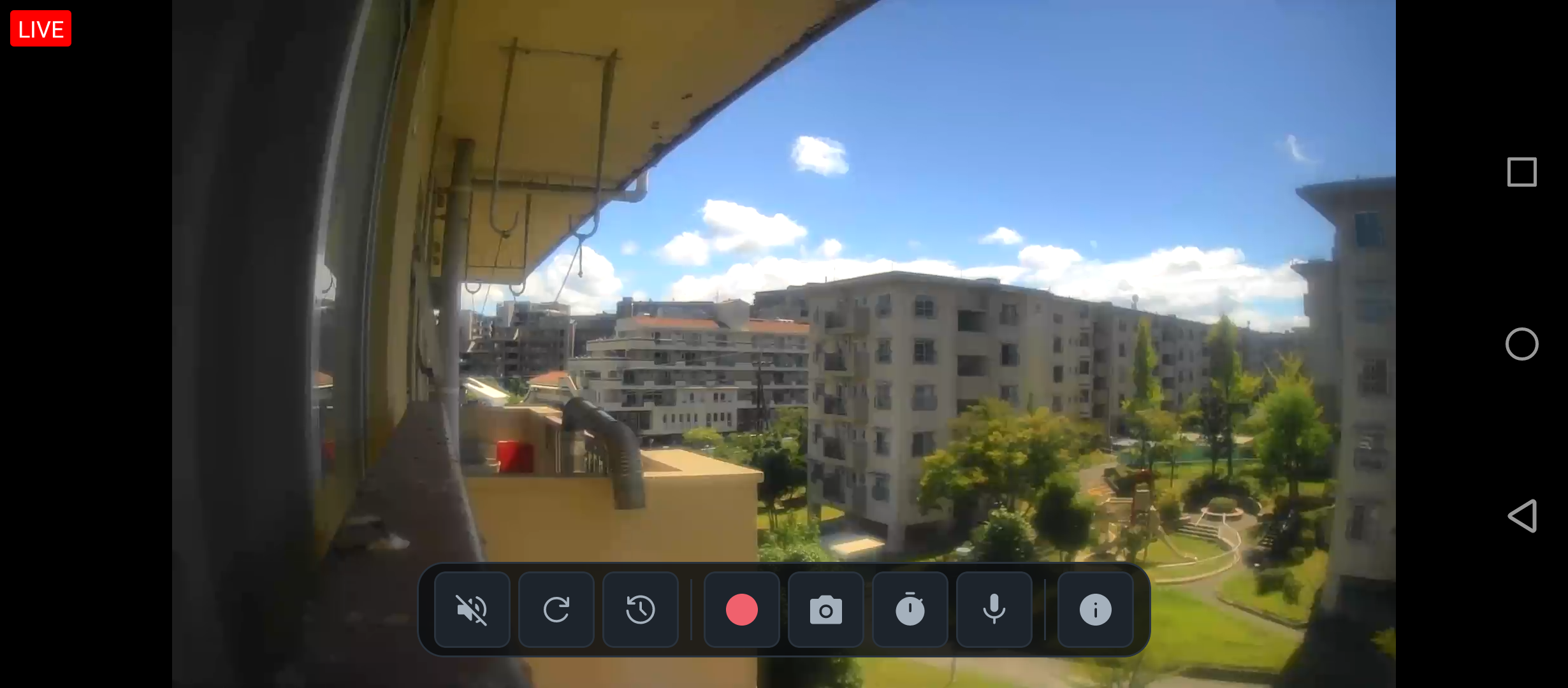
A camera on its main stream, exclusive, with the DVR controls and a badge when the server is recording it.
Pinch to zoom and pan
Two fingers on any picture, in the grid or fullscreen. One finger is never taken, so tapping still opens a tile and the grid still scrolls.
Listen to one camera
Sound from one camera at a time, with a playback level remembered per camera. Six tiles share one speaker; two at once is just noise.
Direct or via the server
Pull video straight from the cameras, or let the imaso Pi relay it the way the web app does. Switchable in Settings — via the server is worth trying if the grid feels heavy.
Dark throughout
Because a camera app is used in the dark.
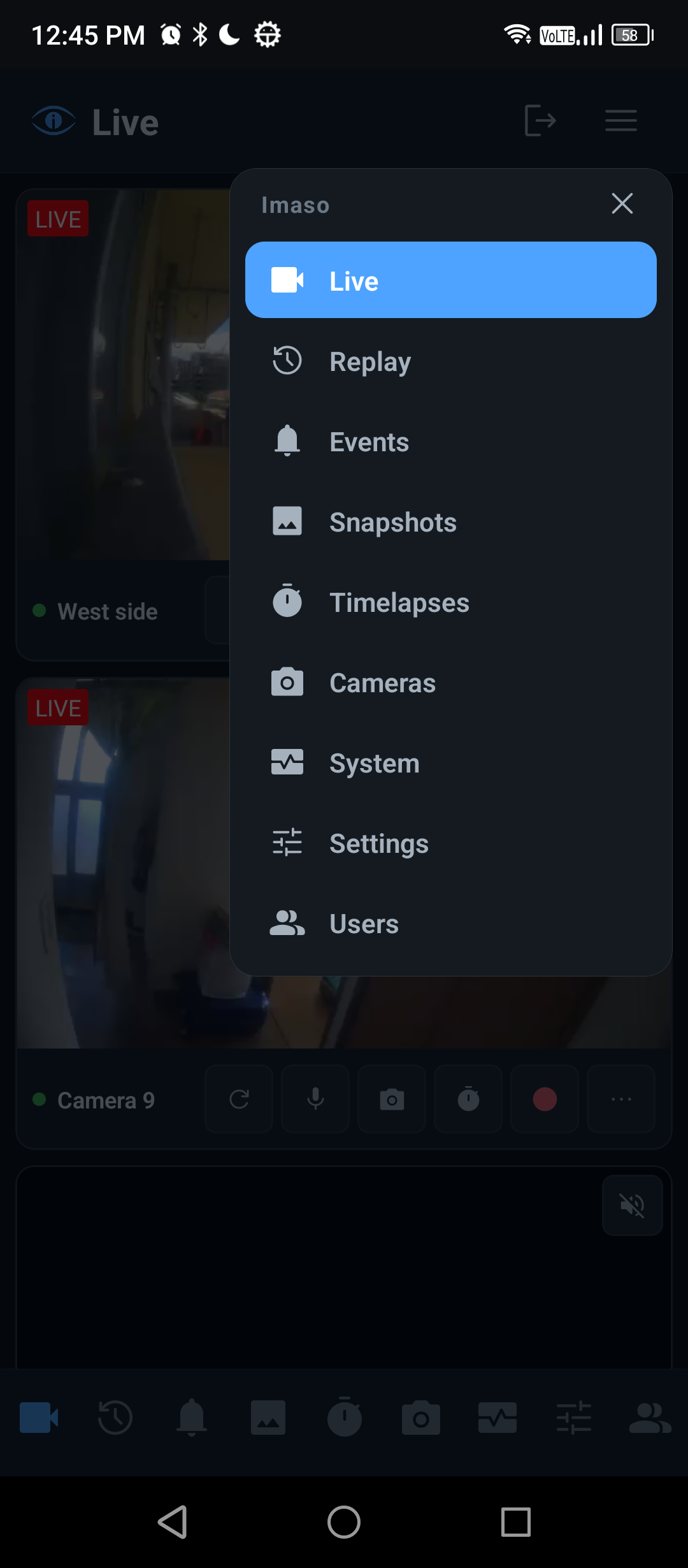
With an imaso server, the phone becomes the DVR’s remote
Sign in to your imaso server and the cameras sync automatically, credentials and all, encrypted on the device. The phone then reaches the same nine destinations imaso’s own mobile interface has — over the same REST API the browser uses. No feature was added to the server for this.
- Start and stop recording, capture a snapshot, run a timelapse
- Browse and play back the recorded library, with a day-coverage bar
- The snapshot library and timelapse sessions, including building the export video
- Motion history, and the Pi’s own health: load, disks, retention, per-camera cost
- Motion alerts — a two-tone doorbell chime pitched for each camera and its name spoken aloud, the same alert imaso’s web app plays and pitched the same way, so a camera sounds identical on the phone and in the browser
- Two-way audio — hold Talk to speak through a camera’s speaker
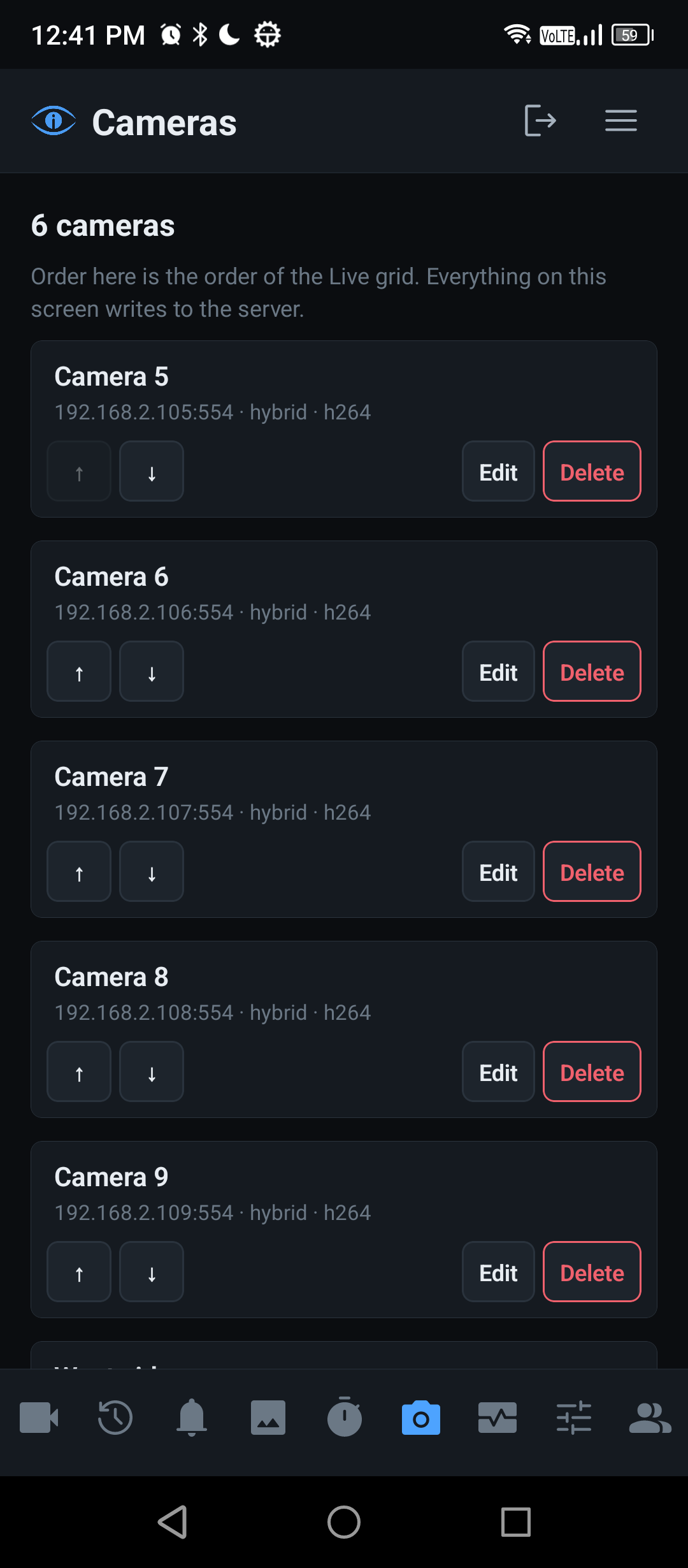
- Camera setup, ONVIF details, accounts and the server’s own settings, all editable from the phone with an admin account
Live view survives the server going down
This is the point of the app. Because video never passes through the DVR, the grid keeps working while the Pi is unplugged, rebooting, or halfway through an upgrade. The camera list is cached on the phone, so it survives too.
Recording & timelapse unavailable, server offline.
What the app says when the Pi is unreachable. Every destination explains what has stopped rather than disappearing, exactly the controls that need the server are disabled, and the picture carries on.
What it looks like
Privacy, briefly
- No account with us, because there is nothing to have an account with
- No analytics, no advertising, no tracking, no third-party SDKs
- Nothing is uploaded anywhere. The app talks to your cameras and, if you have one, your imaso server — on your local network, and to nothing else
- Camera credentials are stored in the Android Keystore and never leave the device
- The microphone is used only while you hold Talk, and only to reach the camera you are speaking through. Nothing is recorded on the phone
The full Privacy Policy sets out every byte the app stores and every address it sends one to.
Requirements
- Cameras reachable on your local network, streaming H.264 over RTSP
- Android 8.0 (API 26) or newer
- Optional: an imaso server on the same network for everything under “DVR” above. An admin account there syncs camera passwords automatically and enables the DVR commands; with a viewer account you can browse recordings and type camera passwords in yourself
- Local network only. There is no remote access, no VPN and no cloud relay in this app
Currently on Google Play internal testing. Ask for an invite by email.
Something not working, or a camera the app will not play? Open an issue — see Support for what makes a report easy to act on.